
Variant administration
Any user who has view permissions on a space can view existing variants by going into the “Baselines” tab.
As a space administrator, you can manage variants.
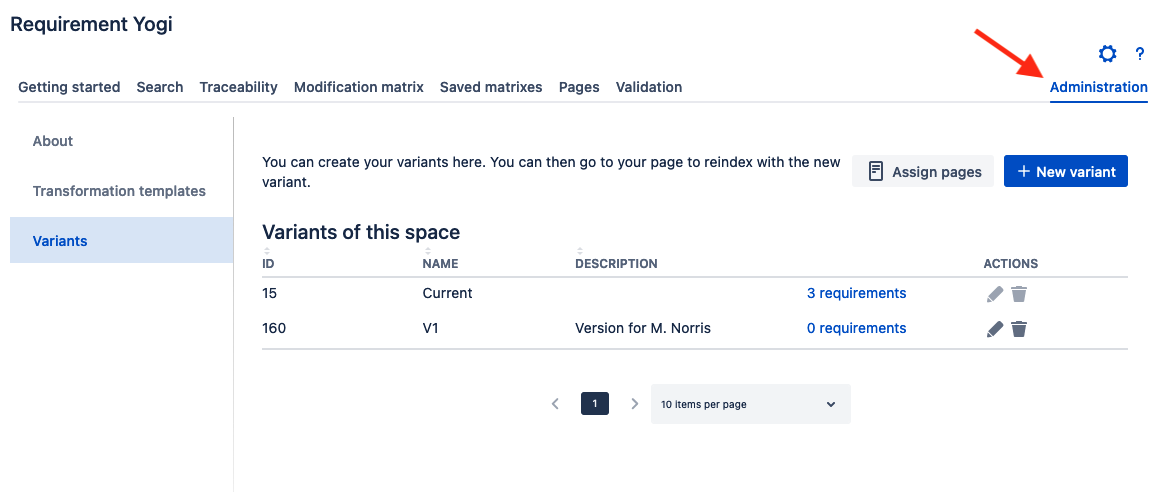
Current variant
By default, each space has a Current variant. All new requirements are assigned to this variant.
This variant cannot be edited nor removed.
New variants
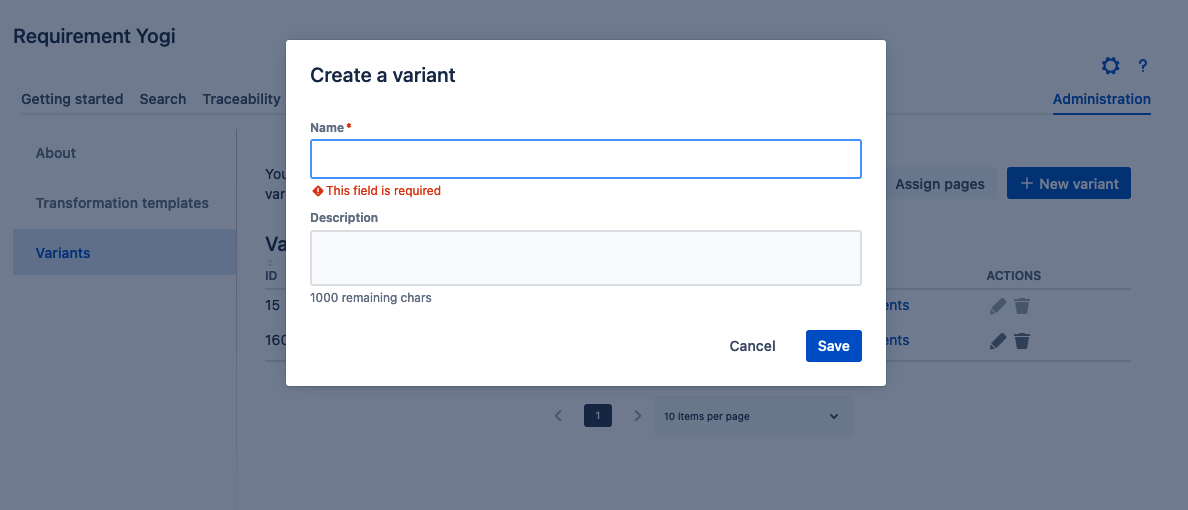
In the dialog, the name is mandatory, and you can write a description.
Edit variant
The same dialog is opened, and enables you to change the name and the description.
Delete variant
When deleting a variant, after confirmation, it is soft-deleted, and the associated requirement are not accessible.
You will need to select another variant, on the Confluence page, with the Byline dialog, or with the Assign pages button.
Assign pages
The button Assign pages is described here, it enables you to assign some pages (and their children) to a variant.